Duskfade Controller Setup
Recommended gamepad layout for platforming, combat, and Cuckoo grapples.
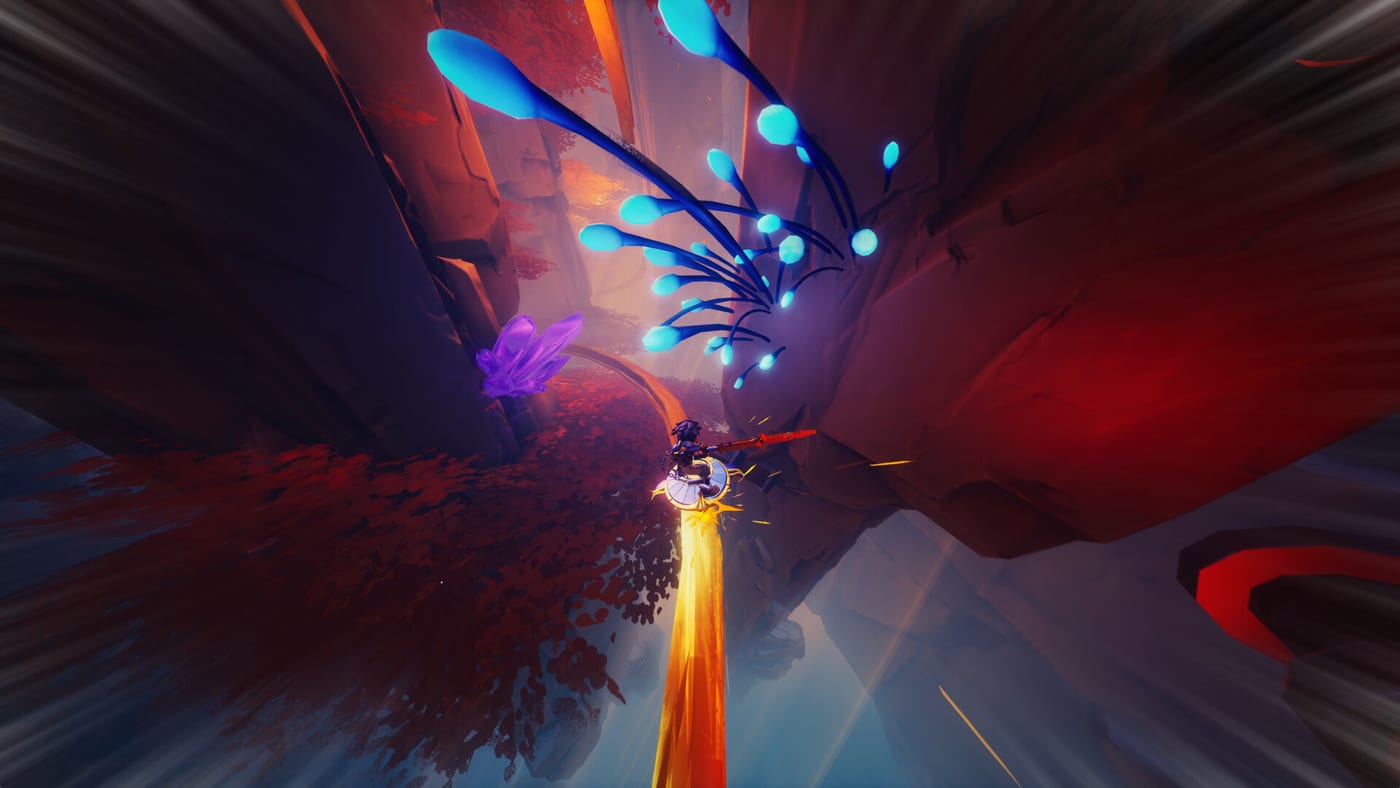
Fireshine Games and Weird Beluga built the Duskfade demo around controller-first play. Platforming chains—double jumps into air dashes, glide corrections, hook-shot grapples, Blast Attack bursts, and Temporal Shift perfect dodges—map cleanly to shoulder buttons and analog sticks. This guide explains a conventional gamepad layout, platform-specific notes for DualSense, Xbox Wireless, and PC pads, and tuning tips so Tick Town tutorials translate into Wrath-ready muscle memory.
Default layout philosophy
Action platformers like Duskfade usually cluster mobility on face buttons and bumpers while keeping thumbs on sticks:
- Left stick: Move Zirian; gentle input preserves ledge grabs.
- Right stick: Camera; sensitivity affects grapple aim more than melee.
- A / Cross (bottom face): Jump; tap again for double jump, hold for glide when unlocked.
- B / Circle (right face): Dodge / roll; timing here triggers Temporal Shift on perfect avoidance.
- X / Square (left face): Light Minutero attacks.
- Y / Triangle (top face): Heavy attacks or context finisher depending on demo build.
- Right bumper: Air dash once ability unlocked—critical for Demo Walkthrough roof gaps.
- Left bumper: Block or guard if enabled in segment; may swap to gadget aim in later skills.
- Right trigger: Blast Attack or charged Minutero skill.
- Left trigger: Gadget shotgun-like blast or secondary tool once Cuckoo upgrades unlock.
- Right stick click or left stick click: Lock-on toggle if present; otherwise unused.
- D-pad: Gadget swap or emote; verify in pause menu after Demo Download.
Exact labels may shift slightly in retail patches—always confirm in Settings before blaming guides.
Grapple and Cuckoo assists
Cuckoo fires the grapple toward highlighted clockwork anchors. On controller, grapple typically maps to left or right bumper with aim assisted by the right stick. Tips:
- Pull camera slightly before firing; off-angle shots miss moving Wrath platforms.
- Tap grapple for quick reposition; hold for sustained swing if demo physics allow.
- Upgrade Cuckoo range via Upgrade Gears before cloudy heights; track pickups in Demo Checklist.
If grapple feels sluggish, raise look sensitivity incrementally rather than maxing it—overcorrection breaks glide landings in ruins.
PlayStation 5 (DualSense)
PS5 demo installs from the PlayStation Store as a separate free SKU. DualSense features (adaptive triggers, haptics) may accentuate Minutero impacts if enabled—pure preference.
- Use Cross for jump, Circle for dodge, R1 for air dash, R2 for Blast Attack.
- Disable custom button assignments at OS level unless mirrored in-game.
- Wired USB play eliminates Bluetooth latency for Temporal Shift training.
Pair PS5 practice with How to Beat Wrath before streaming or recording—share button interrupts are annoying mid-boss.
Xbox Series X|S
Xbox layout mirrors PlayStation with A jump, B dodge, RB dash, RT Blast Attack thinking:
- Install the demo from Microsoft Store; confirm Series X|S icon, not Xbox One back-compat guesswork.
- Quick Resume can suspend mid-air; disable if grapple states desync after resume.
- Xbox Elite paddles can duplicate dodge or grapple for Wrath if fingers cramp—document mappings privately.
Compare purchase options in Platforms and Pre-order if demo performance differs between Series S and X.
PC with controller
Steam demo app 4023080 auto-detects XInput and DualSense via Steam Input. Recommendations:
- Prefer wired during Movement Tech drills.
- Disable conflicting global Steam chords that steal bumper inputs.
- If you also play on keyboard, see PC Controls for parity notes—do not mix layouts mid-save without practice.
Sensitivity and accessibility
- Look sensitivity: Medium-high for grapple bosses, medium-low for precision glide beams.
- Invert Y: Personal; underwater sections expose bad choices quickly.
- Vibration: Helps telegraph charged enemy attacks; disable if distracting.
- Difficulty: Four demo presets change enemy damage, not controller scheme—see What to Expect.
Training regimen before Wrath
- Tick Town street fights: practice dodge → Temporal Shift → light combo without moving camera.
- Forest glide rings: hold glide, micro-adjust with right stick, cancel into air dash.
- Mines: grapple off moving gear without landing in hazard tiles.
- Wrath arena: upper anchors only—read How to Beat Wrath alongside Movement Tech.
Related pages
Return to Controls Hub for hub navigation, How to Play for ability names, and Demo Hub when patching the demo changes bindings near launch.
Frequently Asked Questions
Quick answers from the full campaign, trophies, and remaining demo slice.
Why does the demo recommend controller over keyboard?
Analog sticks simplify glide steering and grapple aim. Keyboard remains viable—see [PC Controls](/controls/pc/)—but pad layout matches tutorial prompts.
Do PS5 and Xbox controllers differ in gameplay?
Layout mirrors standard action-platformer conventions; only OS-level features differ. Skill is transferable between platforms.
Can I use a Switch Pro Controller on PC?
Often via Steam Input, but confirm bumper mappings in demo settings before tackling Wrath.