Duskfade Controls Hub
Keyboard, gamepad, and advanced mobility for Zirian and Cuckoo.
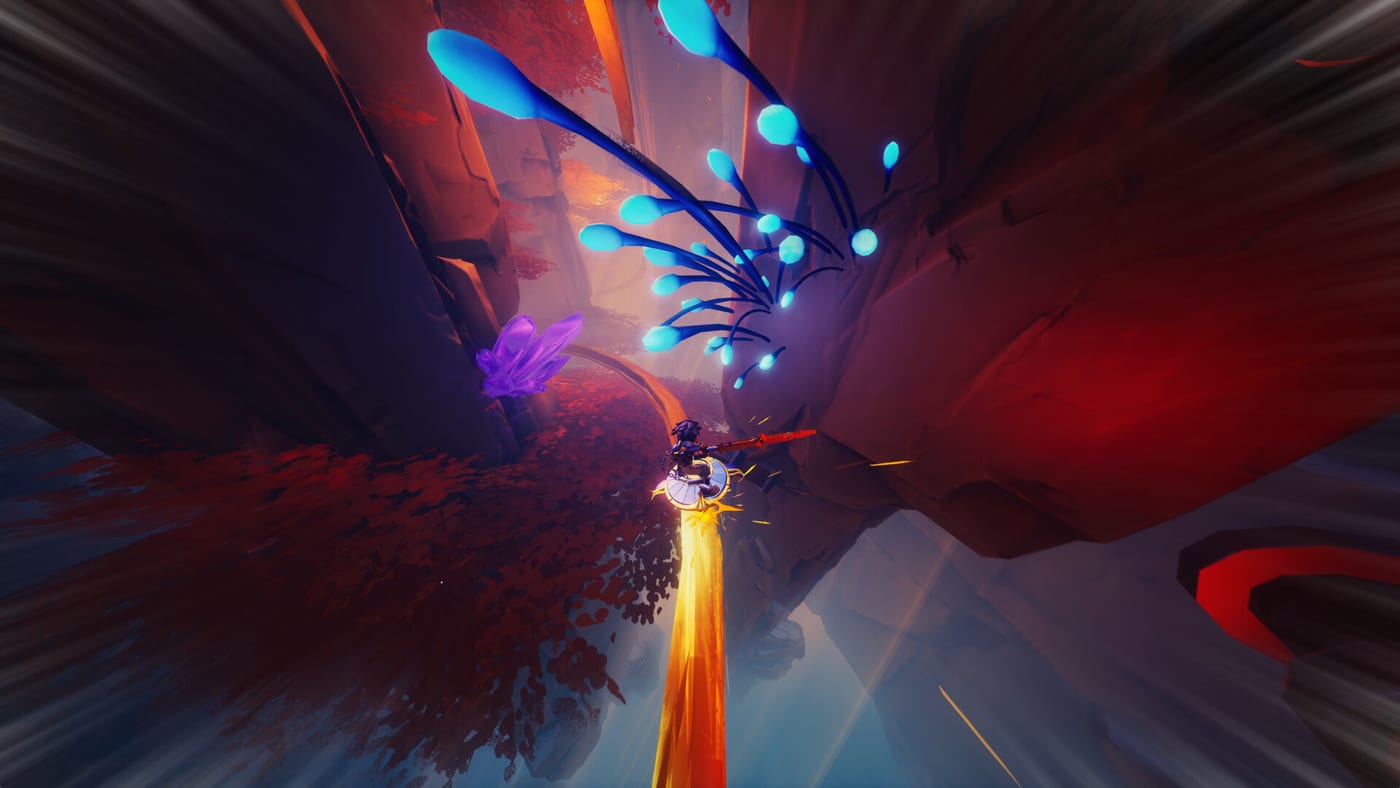
Duskfade is a 3D action platformer built around tight aerial chains: jump, double jump, air dash, glide, grapple, Blast Attack, and Temporal Shift perfect dodges with Minutero and Cuckoo’s gadgets. Weird Beluga tuned the demo for controller play, but PC keyboard and mouse remain fully viable if you remap comfortably. This hub routes you to the right reference page whether you are installing the demo or prepping for the August 13, 2026 launch on Steam, PS5, Xbox Series X|S, and Nintendo Switch 2.
Pick your input device
The free demo explicitly recommends a controller because camera-relative grapples and glide corrections feel smoother on analog sticks. That said, speedrun communities often prefer keyboard for precise digital inputs once muscle memory settles.
- Keyboard and mouse: See PC Controls for action mapping philosophy, rebind tips, and menu navigation.
- Gamepad: See Controller Setup for stick dead zones, trigger sensitivity, and platform-specific notes for DualSense, Xbox Wireless, and Switch-style pads.
If you are unsure which to buy for launch, sample both in the demo via Demo Download before committing.
Learn the mobility toolkit
Controls only matter when chained correctly. After you know which button performs an air dash, read Movement Tech to learn route-specific sequences—Tick Town roof shortcuts, mine piston timings, and Wrath arena repositioning all assume you can glide cancel into grapple without thinking.
Pair movement study with How to Play so names like Temporal Shift and Blast Attack match between guides and in-game tutorials.
Demo and boss cross-links
Control fluency shows up hardest in set-piece fights. When Wrath’s lava lane pressure exposes weak grapple timing, pivot from this hub to How to Beat Wrath while keeping Movement Tech open for practice routes.
For zone pacing that teaches abilities one at a time, follow the Demo Walkthrough through Tick Town, forests, mines, and ruins. Mark missed skill pickups in the Demo Checklist if you under-utilized Cuckoo upgrades.
Difficulty and accessibility notes
The demo ships four difficulty settings that change enemy damage and timing windows—not separate control schemes. Lower difficulties forgive missed dodges; higher ones expect consistent Temporal Shift triggers. Details in What to Expect.
There is no mandatory multiplayer mode; all controls assume single-player command of Zirian with Cuckoo handling hook-shot and gadget assists automatically once unlocked.
Suggested learning order
- Install the demo (Demo Download).
- Complete in-game tutorials while referencing Controller Setup or PC Controls.
- Drill chains in Movement Tech.
- Run the Demo Walkthrough applying new tech.
- Revisit this hub before launch if you switch platforms—compare Platforms and Pre-order for your retail SKU.
Related hubs
Demo players should bookmark the Demo Hub. Launch planners should cross-read Platforms and Pre-order and keep the How to Play guide nearby for collectible and combat vocabulary beyond raw inputs.
Frequently Asked Questions
Quick answers from the full campaign, trophies, and remaining demo slice.
Does Duskfade require a controller?
No, but the demo recommends one. PC players can use keyboard—see [PC Controls](/controls/pc/)—while console players should read [Controller Setup](/controls/controller/).
Where do I learn advanced movement?
Start with [Movement Tech](/controls/movement-tech/) after basic tutorials. It covers jump chains, glides, and grapple cancels used in Wrath.
Can I remap controls on PC?
The demo exposes standard rebinding in settings. Document your layout alongside [PC Controls](/controls/pc/) so guides remain readable.