Download the Duskfade Demo
Free on PC and current-gen consoles — install, update, and jump into Tick Town.
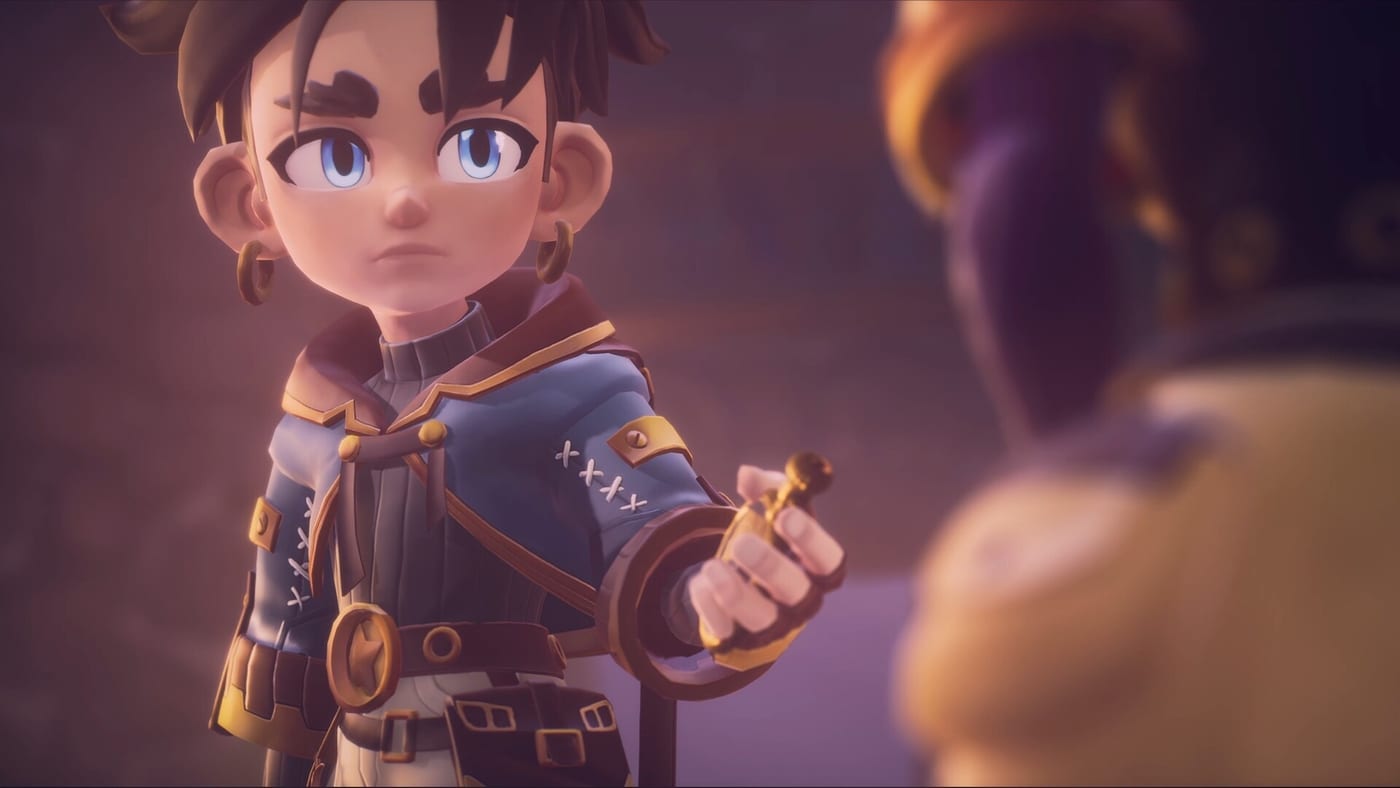
Weird Beluga and Fireshine Games released a free Duskfade demo on Steam, PlayStation 5, and Xbox Series X|S ahead of the full game on August 13, 2026. The slice is large enough to treat as a mini-campaign: you meet Zirian, Cuckoo, and hints of Allira’s plight, explore Tick Town, traverse several biomes including mines and clockpunk ruins, and finish on the Wrath boss. This guide explains how to download and launch the demo on every supported platform without confusing it with the paid listing.
Steam (PC) — demo app 4023080
PC players should use the dedicated demo Steam page (app ID 4023080), not only the main Duskfade store page (app 2542020). Searching “Duskfade Demo” in Steam usually surfaces the correct entry. Steps:
- Open the Duskfade Demo on Steam or search app 4023080 in the client.
- Click Install / Download — the demo is free and does not require owning the full game.
- After install, launch Duskfade Demo from your library. Updates arrive through the same demo app entry.
- Optional: buy the full game via the Duskfade Steam page so launch-day updates are easy to track.
Steam builds support keyboard and controller; the demo UI recommends a gamepad for grapple and Temporal Shift timing. Pair installation with PC Controls if you plan to use mouse and keyboard anyway.
PlayStation 5
On PS5, open the PlayStation Store and search Duskfade Demo. Select the free demo product (distinct from the paid pre-order listing) and choose Download. The demo occupies its own library tile; launching it skips any full-game license check because the SKU is separate.
Performance targets console-friendly 60 fps modes where available; if you notice hitching in underwater sections or the Wrath arena, close background media apps and ensure the demo—not a cached PS4 version—is installed. Controller is strongly recommended; see Controller Setup for stick sensitivity tips that carry into the full PS5 release.
Xbox Series X|S
Xbox players should open the Microsoft Store on Series X or Series S and search Duskfade Demo, or use the direct listing: Duskfade Demo on Xbox Store (product ID 9ND3KJ1X766S). Install the free demo offer, then launch from My games & apps. Smart Delivery ensures you receive the Series-optimized build rather than a last-gen binary.
The full game Xbox listing mentions Play Anywhere for eligible purchases — that applies to the paid SKU, not this free demo. See Platforms and Pre-Order for Play Anywhere context and Price and Editions for $29.99 pricing.
Like PS5, Xbox treats demo saves separately from the paid product until Fireshine confirms otherwise. After downloading, read What to Expect for difficulty settings—Xbox exposes the same four difficulty presets described in press materials.
Nintendo Switch 2 and full-game platforms
The full Duskfade release targets PC Steam, PS5, Xbox Series X|S, and Nintendo Switch 2 on August 13, 2026. Demo availability on Switch 2 was not part of the fact sheet used for this wiki page; check Fireshine’s official site at duskfade.com and the publisher page before assuming a Switch demo exists. When in doubt, use Steam or console demos to sample Tick Town, then consult Platforms and Pre-order for Switch 2 purchase timing.
Install size, updates, and troubleshooting
Exact download sizes vary by patch, but expect a multi-gigabyte install comparable to other modern action platformers. If Steam download stalls, verify disk space, clear the download cache, and confirm you selected app 4023080. On consoles, cancel and restart the queue if the store shows “Queued” for hours.
First launch may compile shaders on PC—let the intro play without alt-tabbing. If controllers are not detected, disable Steam Input overrides for the demo and replug the pad; details live in Controller Setup.
After you install: recommended reading order
- What to Expect — scope, endings, difficulty.
- How to Play — Minutero, Temporal Shift, collectibles.
- Demo Walkthrough — route through Tick Town and biomes.
- Demo Checklist — track Upgrade Gears and Clock Heart Pieces.
- How to Beat Wrath — final demo boss.
Demo versus full game purchase
Installing the demo does not auto-purchase the ~$29.99 full title cited in press materials. Console pre-order discounts mentioned in previews apply to the paid SKU, not the free demo. When you are ready to convert, compare storefront bonuses in Platforms and Pre-order and keep the Demo Hub bookmarked for walkthrough updates near launch.
Cross-platform play and saves
Duskfade is a single-player action platformer; the demo does not offer cross-platform multiplayer. Save data is platform-local unless Fireshine announces cloud sync for the full release. Plan to replay early sections on your purchase platform if you switch from Steam demo to PS5 retail, and use Movement Tech to rebuild muscle memory quickly.
Frequently Asked Questions
Quick answers from the full campaign, trophies, and remaining demo slice.
What is the Steam app ID for the Duskfade demo?
Use Steam app **4023080** for the free demo. The full game listing is app **2542020** on the [Duskfade Steam page](https://store.steampowered.com/app/2542020/Duskfade/).
Can I play the demo without a controller?
Yes on PC, but the demo recommends a controller. See [PC Controls](/controls/pc/) and [Controller Setup](/controls/controller/) before judging difficulty.
Does downloading the demo unlock the full game?
No. The demo is a separate free product. Purchase the full release separately; see [Platforms and Pre-order](/review/platforms-preorder/) for launch platforms.