Duskfade Demo Hub
Download the free slice, explore Tick Town, beat Wrath, then jump into the full campaign.
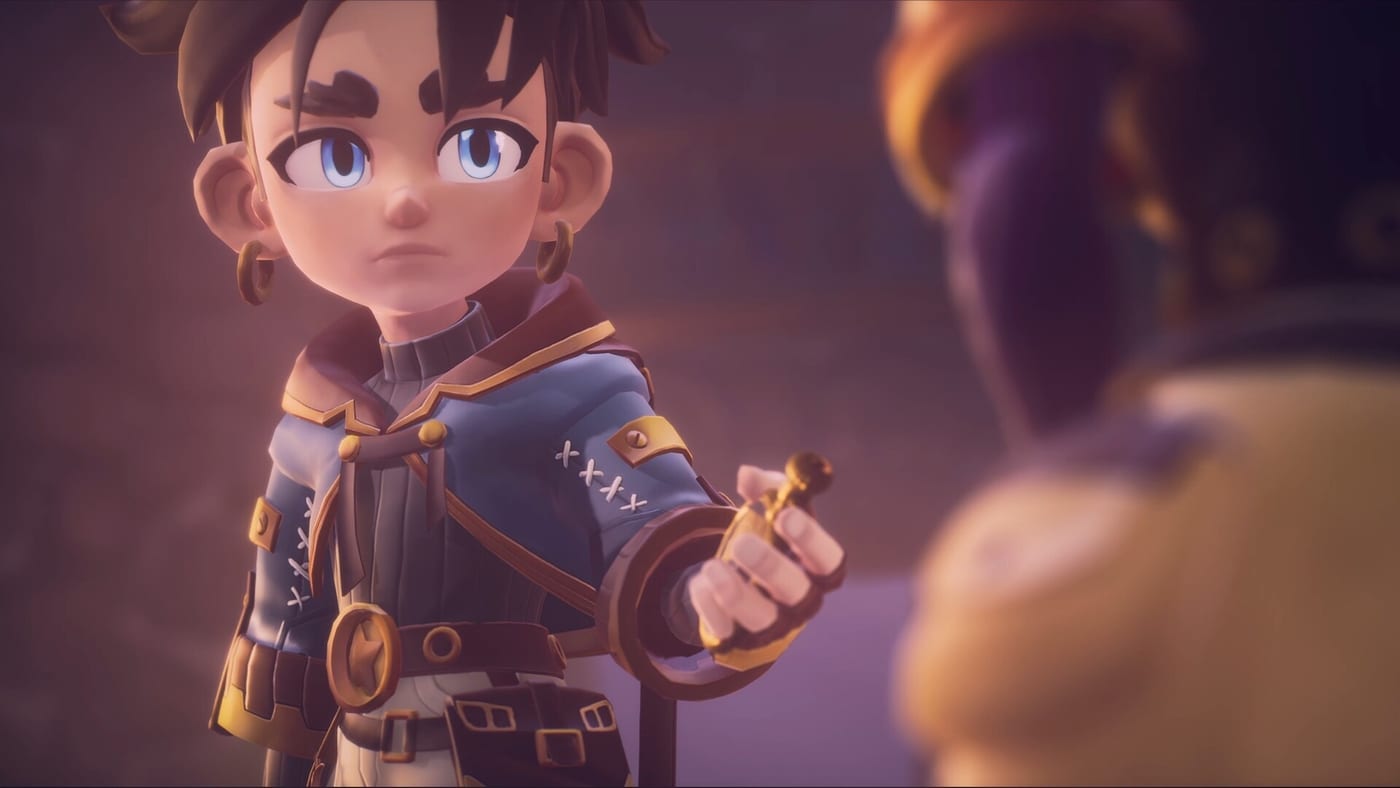
The Duskfade demo remains the best free way to judge Weird Beluga’s clockpunk action platformer after the full game released August 13, 2026. Fireshine Games published a free slice that runs on PC (Steam), PlayStation 5, and Xbox Series X|S, letting you play as Zirian with companion Cuckoo, explore Tick Town, sample multiple early biomes, and finish on the Wrath boss. This hub collects every demo-focused page on duskfades.wiki so you can move from install to credits without hunting scattered tips.
What the demo covers
The playable build is not a tech teaser—it is a vertical slice of real progression. You start in the central hub structure, push into Tick Town, then branch through environments that preview the full game’s variety: ethereal forests, underwater passages, dune-like wastes, cloudy heights, and clockpunk ruins tied to the world’s broken time. Along the way you collect Upgrade Gears for skill trees (Minutero, abilities, Cuckoo), Clock Heart Pieces that combine into health upgrades, Star Shards, and Multicoloured Flasks. Combat introduces Minutero (Zirian’s clock-hand sword), air mobility, Blast Attack, Temporal Shift perfect dodges, and gadget-style shots that feel like a compact shotgun blast.
The demo ends after Wrath, a set-piece boss that tests everything you learned about grapple routes, spacing, and burst damage. Beating Wrath does not spoil the Clock Tower arc or the full rescue of Allira, but it proves the combat loop and platforming identity are already polished.
Start here: download and first hour
If you have not installed the build yet, open the Demo Download guide for platform-specific steps. Steam players should grab app 4023080 (demo listing separate from the main game app 2542020). Console players can find the demo on their respective storefronts without buying the full title.
Once installed, skim What to Expect so you know difficulty options, save limitations, and how much story the slice reveals. The page also explains why the demo strongly recommends a controller even though keyboard play is supported—see PC Controls and Controller Setup for layout comparisons.
Walkthrough and checklist routing
For route efficiency and collectible pacing, follow the Demo Walkthrough. It breaks Tick Town into readable segments, calls out gear pickups that unlock mobility early, and notes when to detour for optional flask routes. Pair that guide with the Demo Checklist tool if you want a tick-box view of Upgrade Gears, heart pieces, and shard locations without rereading paragraphs.
Players stuck on movement should pivot to Movement Tech before blaming raw difficulty. Double jumps, air dashes, glides, and hook-shot grapples chain together; the demo assumes you will experiment once Cuckoo’s tools unlock.
Boss prep and full-game context
Wrath is the demo’s skill check. When floor patterns or charge attacks feel unfair, read How to Beat Wrath for arena positioning and interrupt windows. For broader combat vocabulary—Temporal Shift timing, Blast Attack spacing, gadget swaps—see How to Play so terminology matches between guides.
The demo intentionally stops before the full Clock Tower, Master Clockmakers, and Despair threads resolve. Treat anything after Wrath as marketing for the August launch. If you are deciding where to buy, compare Platforms and Pre-order for the ~$29.99 price point and console pre-order discounts mentioned in press materials.
Suggested demo session plan
A focused first session might look like this: install via Demo Download, run the in-game tutorial while referencing Controller Setup, clear Tick Town using the Demo Walkthrough through the mines and ruins, spend Upgrade Gears on mobility before damage, then attempt Wrath with notes from How to Beat Wrath. Between attempts, practice grapple chains from Movement Tech. Mark collectibles in the Demo Checklist so your save reflects maximum demo power heading into launch week.
Related pages outside this hub
Demo knowledge overlaps with controls and launch prep. Bookmark Controls Hub for keyboard and gamepad reference, How to Play for system explanations, and Platforms and Pre-order when you are ready to wishlist or pre-order the full game on Steam, PS5, Xbox Series X|S, or Nintendo Switch 2.
Frequently Asked Questions
Quick answers from the full campaign, trophies, and remaining demo slice.
Is the Duskfade demo the same on every platform?
The content goal is the same—Tick Town through Wrath—but install steps and performance differ. Use the [Demo Download guide](/demo/download/) for per-platform notes.
Does demo progress carry into the full game?
Treat demo saves as standalone until Fireshine confirms cross-save. Focus on learning mechanics and routes; see [What to Expect](/demo/what-to-expect/) for scope details.
Where should a new player start?
Download first, then read [What to Expect](/demo/what-to-expect/) and follow the [Demo Walkthrough](/demo/walkthrough/) while keeping [How to Play](/guides/how-to-play/) open for ability names.